Involve Knife4j
Knife4j introduced#
knife4j is an enhanced solution for generating API documentation for the Java MVC framework integration Swapper, formerly known as swagger-bootstrap-ui, named knife4j in the hope that it will be as small, lightweight, and powerful as a dagger! Its underlying layer is the encapsulation of Springfox, which is used in the same way as Springfox, but the interface document UI is optimized.
Core functionality:
- Document Description: According to the specification of Swagger, the description of the interface document is listed in detail, including the interface address, type, request example, request parameter, response example, response parameter, response code and other information, and the use of the interface is clear at a glance.
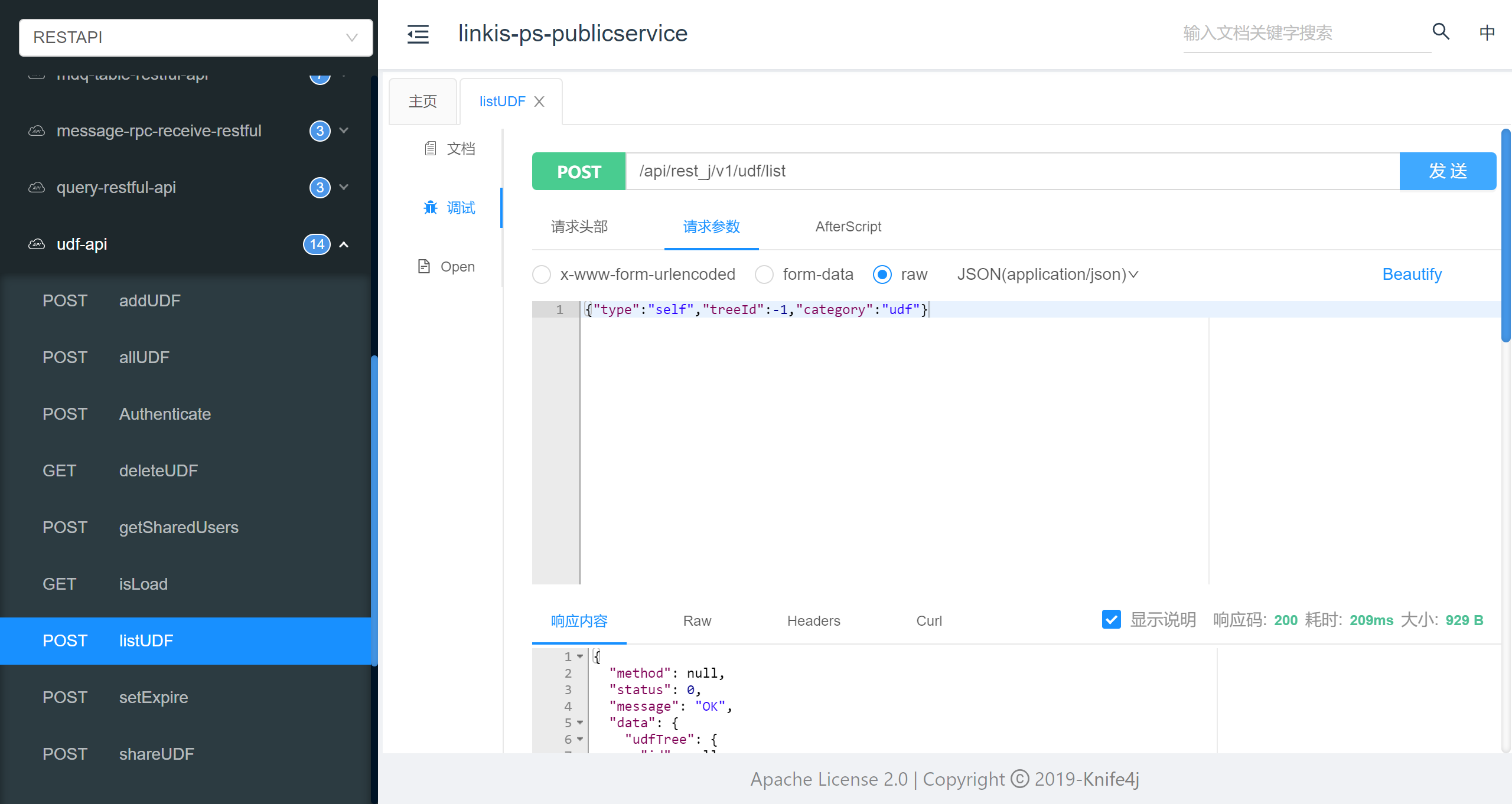
- Online debugging: Provides the powerful function of online interface joint debugging, automatically parses the current interface parameters, and includes form verification, and the call parameters can return the interface response content, headers, response time, response status codes and other information to help developers debug online.
Linkis integrates knif4j#
Start knif4j in test mode#
Modify the application-linkis.yml file setting to knife4j.production=false
knife4j: enable: true production: falseModify the linkis.properties file to open test mode
wds.linkis.test.mode=truewds.linkis.test.user=hadoopAfter restarting all services, you can access the knife4j page via http://ip:port/api/rest_j/v1/doc .html
http://ip:port/api/rest_j/v1/doc.html Start knif4j in normal mode#
Modify the application-linkis.yml file setting to knife4j.production=false
knife4j: enable: true production: falseModify the linkis.properties file to add wds.linkis.server.user.restful.uri.pass.auth
wds.linkis.server.user.restful.uri.pass.auth=/api/rest_j/v1/doc.html,/api/rest_j/v1/swagger-resources,/api/rest_j/v1/webjars,/api/rest_j/v1/v2/api-docsAfter restarting all services, you can access the knife4j page via http://ip:port/api/rest_j/v1/doc .html
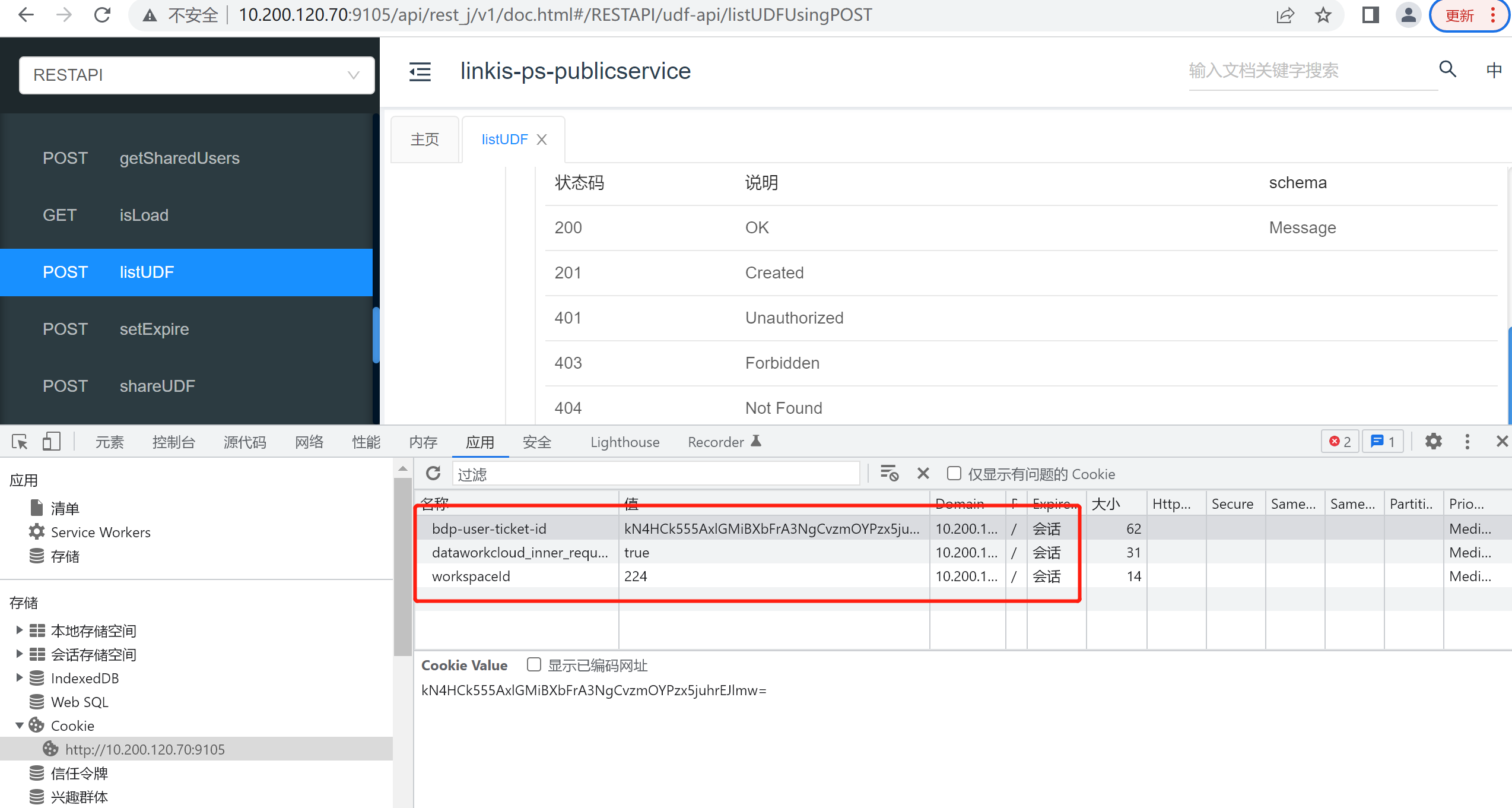
http://ip:port/api/rest_j/v1/doc.html Since identity authentication is required when knife4j debugs each interface, the following cookie information needs to be manually added to the browser.
#User login ticket-idbdp-user-ticket-id=#Workspace IDworkspaceId=#Internal request switchdataworkcloud_inner_request=trueTake the Chrome browser as an example
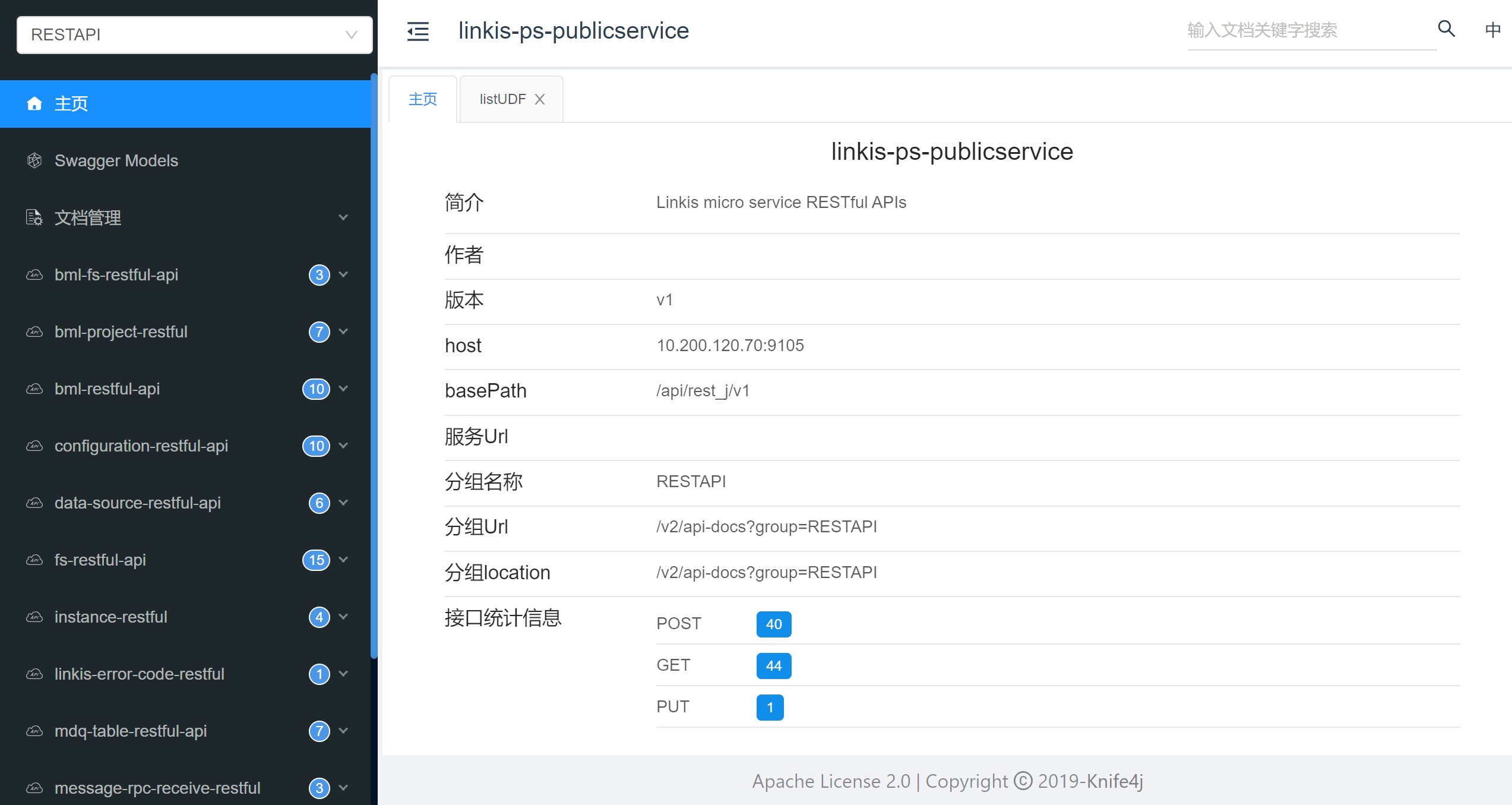
Go to the Knife4j page#
Access knife4j page via http://ip:port/api/rest_j/v1/doc.html
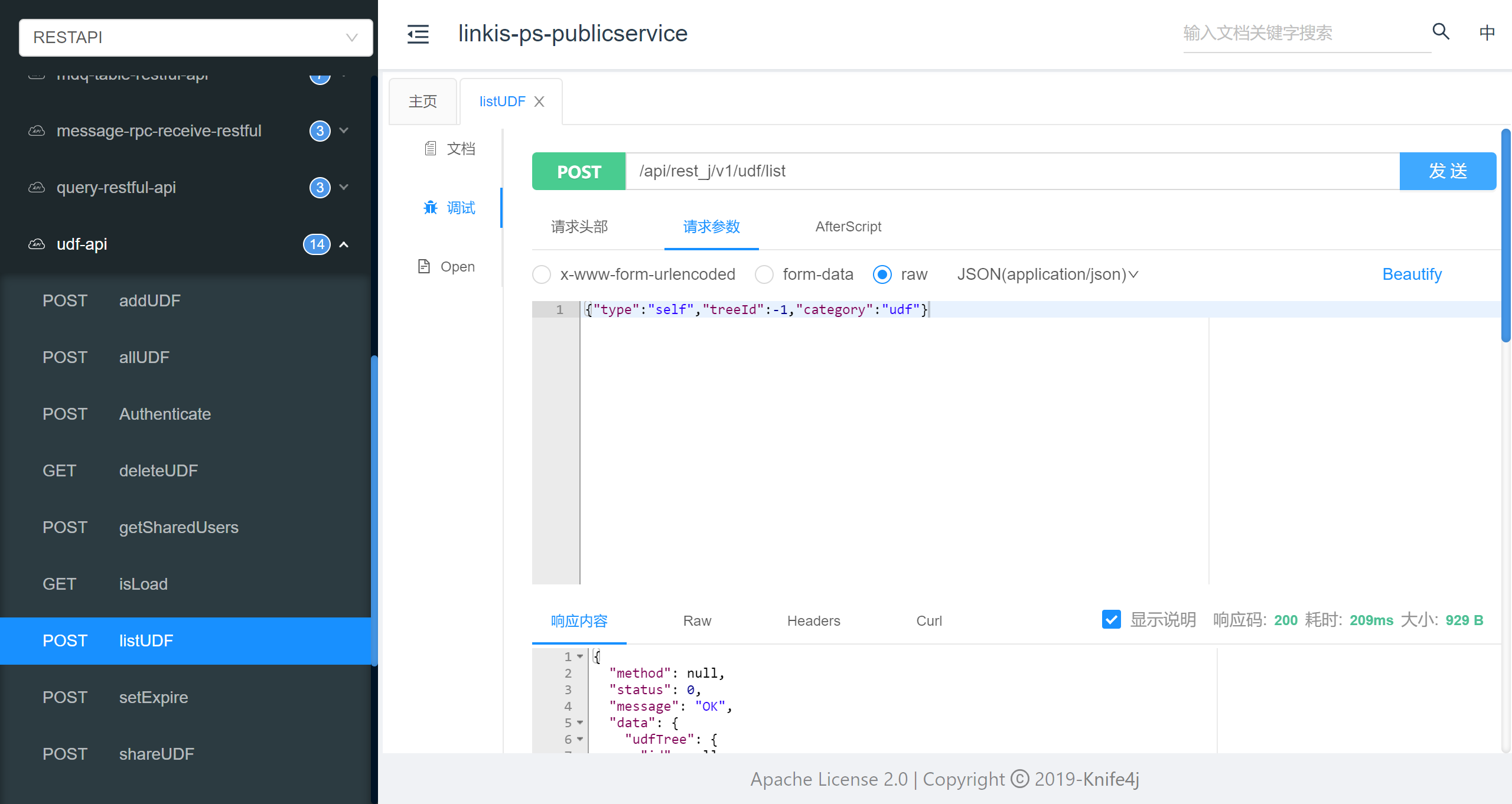
 Click the interface name to display detailed interface documentation
 Click "Debug" and enter parameters to debug the interface
For detailed usage guidelines, please visit the knife4j official website to view:https://doc.xiaominfo.com/knife4j/